
Pixel Pitch Guide:
Choose the Right LED Screen Pitch.
Pixel pitch is one of the most important decisions when choosing an SMD LED screen. Learn what P1.5, P2.5, P3, P5, P8 and larger pitches mean — and how to match them with viewing distance, application and budget.
What Is
Pixel Pitch?
Pixel pitch is the distance, measured in millimetres, between the centres of adjacent LED pixels or LED packages on a display.
It is commonly written as P1.5, P2.5, P3, P5, and so on.
The smaller the number, the closer the pixels are packed together. That generally means higher pixel density and better suitability for closer viewing.
Pixel pitch tells you how tightly the LED pixels are packed together — and helps determine how close viewers can comfortably stand before individual pixels become noticeable.
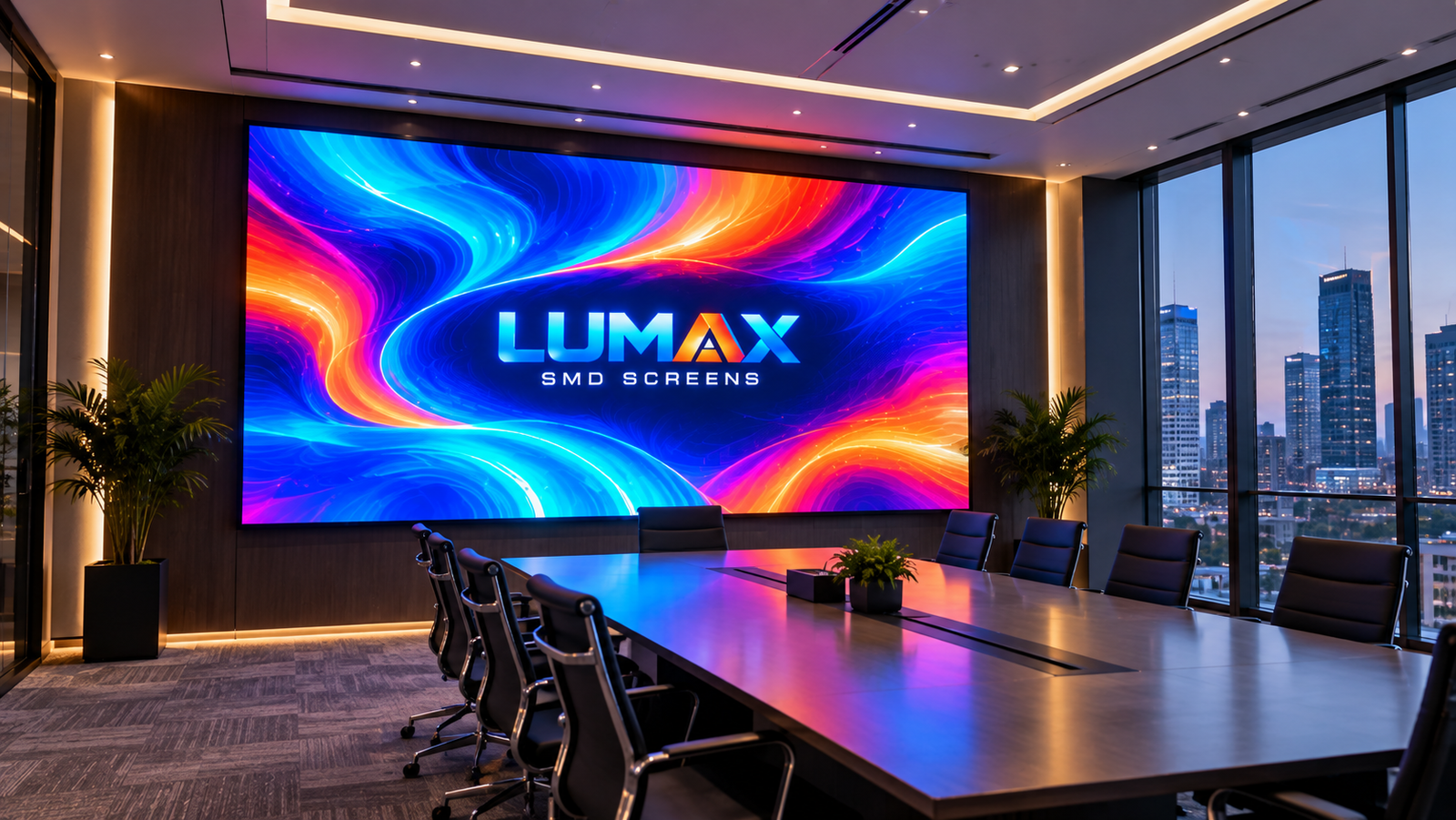
Pixel pitch is the centre-to-centre distance between adjacent LED pixels, measured in millimetres. A smaller pitch places more pixels into the same physical area and is generally better suited to closer viewing and detailed content. A larger pitch can be practical for large displays viewed from farther away. Pixel pitch should be selected with viewing distance, screen size, content, environment and budget—not in isolation.
Smaller Pitch Means
More Pixels in the Same Space.
A finer pitch packs LED pixels more closely together. This can improve detail at close viewing distances, but usually increases system cost.
Which Pitch Is Right for You?
These are practical starting categories, not fixed rules. The final pitch should be selected after considering viewing distance, content, environment and project goals.
Close-Viewing Indoor
Designed for applications where viewers may be relatively close and image detail is a priority.
Close-Viewing Indoor
Useful where viewers may be closer and the display needs strong detail for presentations, corporate content, retail and premium indoor spaces.
Corporate & Premium
A strong option for indoor spaces requiring high detail without moving all the way to ultra-fine pitch.
Balanced Indoor Choice
Often considered for offices, conference spaces, retail environments and indoor events.
Flexible Display Solution
A versatile pitch for many indoor and selected semi-outdoor applications.
Advertising & Outdoor
Suitable for larger displays where viewers are typically farther away.
Large Outdoor Displays
A practical category for larger outdoor installations viewed from significant distances.
Long-Distance Advertising
Designed for large-format outdoor applications where viewers are generally far from the display.
P1.5, P1.8, P2.5, P3, P4 & P5 Compared.
Use these ranges as starting guidance. Actual viewing comfort depends on content, screen size, installation conditions and the position of the closest viewer.
| Pixel Pitch | Typical Use | Approx. Planning Distance | General Positioning |
|---|---|---|---|
| P1.5 | Premium indoor, close viewing | ~12 ft+ | Very fine pitch |
| P1.8 | Corporate, premium indoor | ~14–15 ft+ | Fine pitch |
| P2.5 | Offices, retail, indoor events | ~20 ft+ | Balanced indoor |
| P3 | Indoor / selected semi-outdoor | ~24 ft+ | Versatile |
| P4 | Advertising, larger displays | ~32 ft+ | Longer viewing |
| P5 | Outdoor advertising | ~40 ft+ | Longer viewing |
| P8 | Large outdoor displays | ~64 ft+ | Long-distance |
| P10+ | Large-format advertising | ~80 ft+ | Very long-distance |
What Pixel Pitch Should I Choose?
Start with the closest viewer, then refine the choice using content, screen environment, physical size and project budget.
Measure the shortest realistic distance between the audience and the LED screen. This is usually more useful than measuring only the average distance.
If the screen will show presentations, dashboards, small text or detailed graphics at close range, finer pitch may provide a more suitable viewing experience.
Pixel pitch alone does not make a display suitable for outdoor use. Brightness, cabinet construction, environmental protection, thermal management and installation conditions also matter.
For a fixed physical size, finer pitch generally means more pixels. Compare the required image detail with the total project investment instead of automatically choosing the smallest pitch.
P1.5 vs P1.8 — and P3 vs P4 vs P5.
These comparisons are useful when two or more pitches appear suitable for the same project.
P1.5 vs P1.8
Both are fine-pitch options for applications where viewers can be relatively close. P1.5 provides a tighter pixel pitch, while P1.8 can be considered when the viewing distance and content do not require the finer spacing.
P3 vs P4 vs P5
As pitch increases from P3 to P5, pixels are spaced farther apart and the typical planning distance also increases. The appropriate choice depends on how close viewers will stand and whether the installation is indoor or outdoor.
Start With Your
Viewing Distance.
A useful industry rule of thumb is to consider roughly 8 feet of comfortable viewing distance for every 1 mm of pixel pitch.
This is a planning guideline — not a universal engineering formula. Content, environment, screen size and audience behaviour can change the final recommendation.
Enter your viewing distance to get a starting pixel-pitch recommendation.
Finer Pitch Can Mean
Higher Investment.
Finer pixel pitches use a higher density of LED pixels. That can increase the amount of LED hardware and processing required, so cost should be evaluated together with viewing requirements rather than pitch alone.
Premium Fine Pitch
High pixel density for close-viewing applications.
Balanced Premium
Strong balance of detail, viewing distance and investment.
Outdoor Value
Larger pitch for applications with greater viewing distance.
Large Format
Long-distance display applications where scale matters.
Match Pixel Pitch
With the Space.
There is no single “best” pixel pitch. The right choice depends on where the screen will be installed and how people will experience the content.
Corporate Offices
Boardrooms, reception areas, executive spaces and presentation environments often benefit from finer pitches because viewers may be relatively close.
Retail & Shopping Malls
Retail environments may require a balance between close-up image quality, brightness, visual impact and budget.
Events & Exhibitions
Event displays need to work for both the live audience and cameras, with pitch selected according to stage size and audience distance.
Outdoor Advertising
Outdoor advertising is usually viewed from greater distances, making larger pitches practical when the installation and environment support them.
Don't Simply Choose
the Smallest Pitch.
The goal is not to buy the smallest number available. The goal is to select a pitch that delivers the required viewing experience without unnecessary cost.
“Smaller Must Be Better.”
Choosing the finest pitch without considering viewing distance can increase project cost without delivering a meaningful improvement to viewers who are already standing far enough away.
“Match Pitch to the Audience.”
Start with the closest viewing distance, then consider content, environment, screen size and budget. This creates a more practical and cost-effective display specification.
Let the Numbers
Guide Your Screen.
Use the LUMAX SMD Screen Calculator to combine screen size, viewing distance, environment and content into a practical starting recommendation.
Common Questions.
Quick answers to the questions buyers commonly have about pixel pitch.