
Choose the Right
Screen Size.
A bigger screen isn't always a better screen. Learn how width, height, viewing distance, aspect ratio, application and pixel pitch work together to determine the right SMD display size for your space.
How Do You Define
Screen Size?
An SMD LED screen is normally specified by its physical width and height, rather than only by a diagonal measurement like a television.
For example, a display measuring 20 feet wide × 10 feet high has a physical display area of 200 square feet.
But physical size is only one part of the decision. Pixel pitch, viewing distance, content and available installation space all influence whether that size will actually work well.
Screen Area = Width × Height. Always measure the actual available installation space before finalizing the display dimensions.
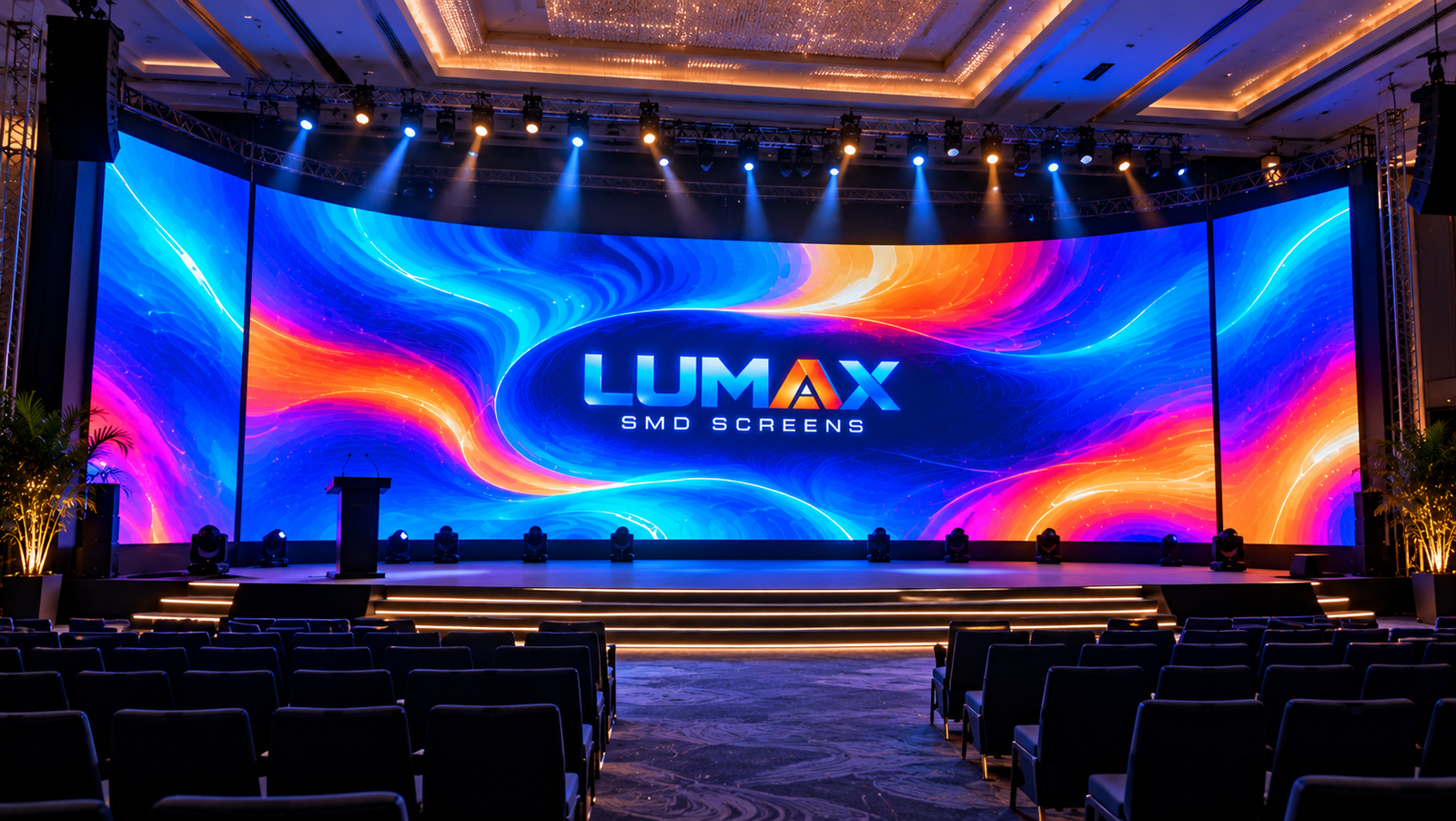
Size Is More Than
Width & Height.
These three measurements give you a much clearer picture of how a display will fit into your project.
Width
The horizontal measurement of the screen. It determines how much wall, façade, stage or advertising space the display occupies from left to right.
Height
The vertical measurement of the display. Height is particularly important for available wall clearance, stage proportions and viewing angles.
Screen Area
Width multiplied by height gives the approximate physical display area in square feet. This is also a key starting point when estimating project cost.
Know Your Space?
Calculate the Area.
Enter the planned width and height of your LED display to instantly calculate the approximate screen area.
You can also compare different dimensions before asking LUMAX for a detailed project quotation.
Calculate Your Display Area
Enter dimensions in feet.
—
Enter your screen width and height to calculate the display area.
Common Screen Sizes
& Their Areas.
These are example dimensions for planning purposes. Actual LED displays are often built from standardized cabinets and modules, so final dimensions may be adjusted during technical design.
Compact Display
Useful where wall or presentation space is limited.
Small Video Wall
Suitable for many corporate, retail and event spaces.
Medium Display
A strong planning size for larger indoor applications.
Large Display
Suitable for large presentation, event and advertising concepts depending on viewing distance.
Large Video Wall
High-impact size for larger venues and professional events.
Major Display
Large-format screen suitable for substantial viewing areas.
Large Format
Designed for major venues, large advertising surfaces and high-impact installations.
Built for Your Space
LUMAX can assess the available area and design a display around the actual project requirements.
Keep Your Screen
Proportional.
Aspect ratio describes the relationship between the screen's width and height. It affects how content fits the display and whether videos or graphics appear naturally framed.
A common widescreen format is 16:9, but SMD LED displays can be configured in many custom proportions depending on the available space and application.
Common for video and presentation content.
Useful where existing content or space requires it.
Useful for creative digital signage concepts.
Designed around the actual installation space.
Bigger Screens Need
Better Planning.
Screen size and pixel pitch should be considered together. A large display viewed from far away may use a different pitch from a smaller display viewed up close. :contentReference[oaicite:1]{index=1}
Size the Screen
Around the Experience.
Instead of starting with a random screen size, begin with the purpose of the display and the way people will experience it.
Corporate & Offices
Conference rooms, reception areas, boardrooms and presentation spaces can use anything from compact displays to full feature walls depending on room size and audience position.
Retail & Shopping Malls
Screen dimensions should complement the architectural space without blocking customer movement or important visual sightlines.
Events & Exhibitions
Stage displays need enough physical size to remain visually effective for the audience while fitting the stage structure and production environment.
Outdoor Advertising
Outdoor advertising displays often need greater physical size because the audience may be much farther away. Location, road speed, viewing angle and sightline should all be considered.
Stadium & Sports
Sports displays are usually designed around long-distance visibility, viewing angles and the number of spectators who need to see the content.
Digital Signage
Digital signage can use portrait, landscape, square or custom dimensions depending on the available architecture and content format.
Measure the Space
Before the Screen.
A quick site measurement can prevent many common sizing problems during the design stage.
Measure Width
Measure the usable horizontal space from edge to edge. Account for walls, columns, frames and any required clearance.
Measure Height
Check the usable vertical height and consider ceiling, floor, stage or architectural restrictions.
Check Viewing Distance
Identify where the closest and typical viewers will stand. This helps determine the appropriate pixel pitch.
Check Sightlines
Make sure furniture, columns, vehicles, stage equipment or other objects will not block the display.
Check Power & Access
Final installation planning should include electrical, structural and maintenance access requirements.
Share Photos
Photos, videos, drawings or measurements of the location can help the display team understand the installation environment before finalizing the design.
Know the Size.
Then Build the Solution.
Use the LUMAX Screen Calculator to calculate your display area, then speak with our team for a project-specific recommendation and quotation.
Common Questions.
Quick answers to common questions about choosing the physical size of an SMD LED screen.